
Error Editor
Error Editor is an entry point for defining the errors raised by the equipment in terms of code, message, and action. Choosing Project → Error Editor or the Error Editor toolbar button opens the Message Editor, the unified catalog editor that handles both messages and errors. In other words, Error Editor is not a separate screen but a shortcut that opens the unified catalog editor directly into error-definition work.
An error definition is set up in advance to decide, when an error occurs at runtime, what number identifies it, what message is shown to the operator, and what action to recommend. When the equipment actually stops or raises a warning, the on-screen message follows what is defined here.
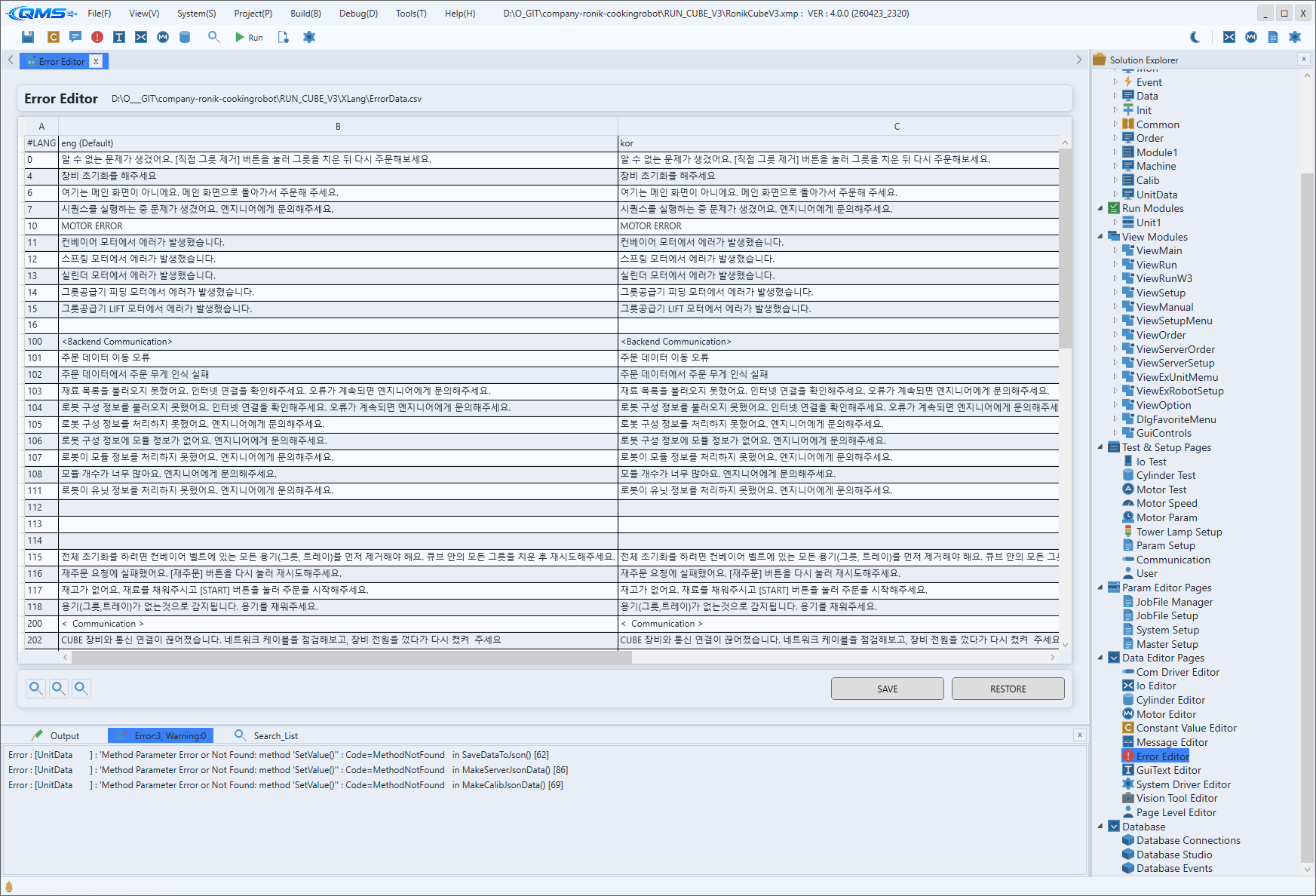
Editing errors in the unified catalog
Selecting Project Errors as the Source in the Message Editor narrows the view to error items only. Each error item is managed with the elements below; for the actual editing screen (list and detail panes), see the Message Editor chapter.
| Element | Content |
|---|---|
| Code | The number that identifies the error. The runtime looks up the definition by this number. |
| Priority · Flags | The error level and handling flags such as ack, reset, and safety. |
| MESSAGES | The per-language message shown on screen and in logs when the error occurs. |
| CAUSE | A description of the error's cause. |
| TODO | The recommended action to guide the operator. |
Link with runtime behavior
A defined error is used when an operation script raises it. When a script raises a specific error with ShowError(...), the runtime looks up the definition for that number and shows its display message and action on the operator screen.
So when you want to change the message text or recommended action for the same error, you edit the definition in this catalog rather than in the script. Because messages are managed in one place, the displayed content stays consistent even when several scripts share the same error.
Multilingual text and export
Per-language translation of error messages, along with export and import, is all done in the unified catalog (Message Editor). The File menu's Export / Import Error Data Text (→ Menu - File) exchanges error data with external text files.