
Recipe (JobFile)
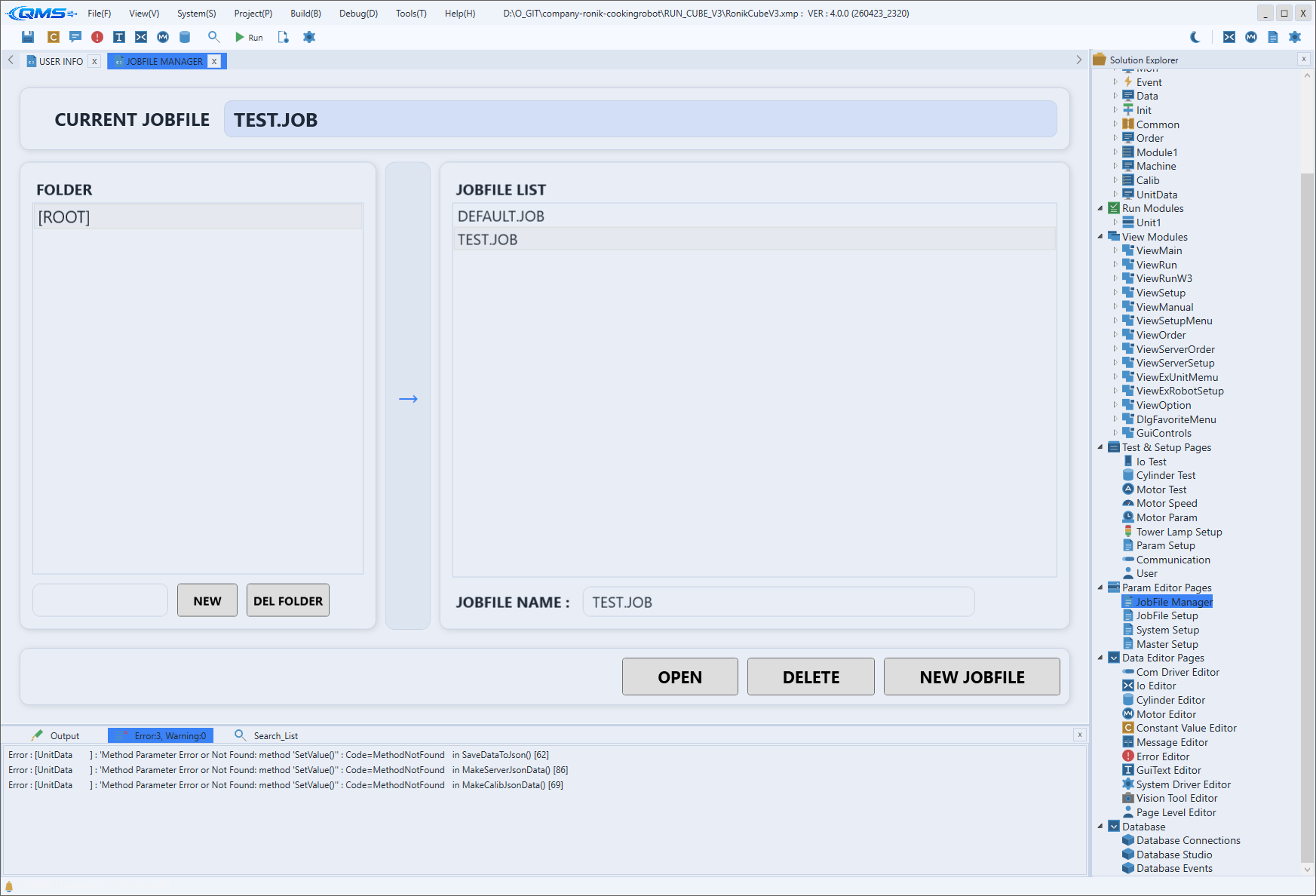
Recipe is the screen for managing operating parameters bundled per job file (JobFile). In QMachineStudio a recipe is called a JobFile: parameter bundles are saved separately per product or model, and when the production item changes you switch the JobFile to swap the whole parameter set at once. The entry path is System → JobFile Setup, and creating, copying, deleting, and switching JobFiles is done in System → JobFile Manager.
The screen consists of tabs on the left and a parameter editing view on the right. Selecting a parameter group in the left tabs shows that group's parameters item by item on the right, where the values can be edited.
Main areas
The screen is split into the group tabs on the left and the parameter view on the right. The tab layout varies by project; the following are representative examples.
| Area | Description |
|---|---|
| All Params | Views all parameters of the current JobFile on one screen. |
| Device · Magazine · Vision · VS.Inspection | Tabs that show parameters split into functional groups. The tab names and count differ by project configuration. |
| Parameter editing view | The right area (XParameterView). It shows the selected group's parameter items and values for direct editing. |
The parameters of every tab are bound to the JobFile scope (LinkParamManager JobFile), so values
edited here apply only to the currently selected JobFile.
JobFile vs. System Setup
A JobFile holds the parameters that change per product or recipe. On the same machine, when the production item changes you switch the JobFile to swap to values that fit that item all at once. Values that apply commonly to the whole equipment, by contrast, are managed in the system scope rather than the JobFile, and the scope distinction is covered in Param Setup.
In short, a JobFile is "the values for making this product," while System Setup is "the common values for this equipment." As a rule, values that should change together with the item belong in the JobFile, and values fixed regardless of the item belong in the system scope.
Workflow
- Select or create the JobFile to work on in System → JobFile Manager.
- Open the parameter editing screen with System → JobFile Setup.
- Select the parameter group to edit in the left tabs.
- Edit the item values in the right view.
- When the production item changes, switch to the corresponding JobFile in JobFile Manager to apply the parameter set at once.